SpeedyIndex Web and Telegram Bot Update
Learn about the SpeedyIndex update: the new Pay-per-Submit payment plan, automatic link verification before indexing, report export, and a built-in support ticketing system.

The SpeedyIndex Web Dashboard and Telegram Bot have been updated. New payment modes, report export formats, and a payment gateway are now available.
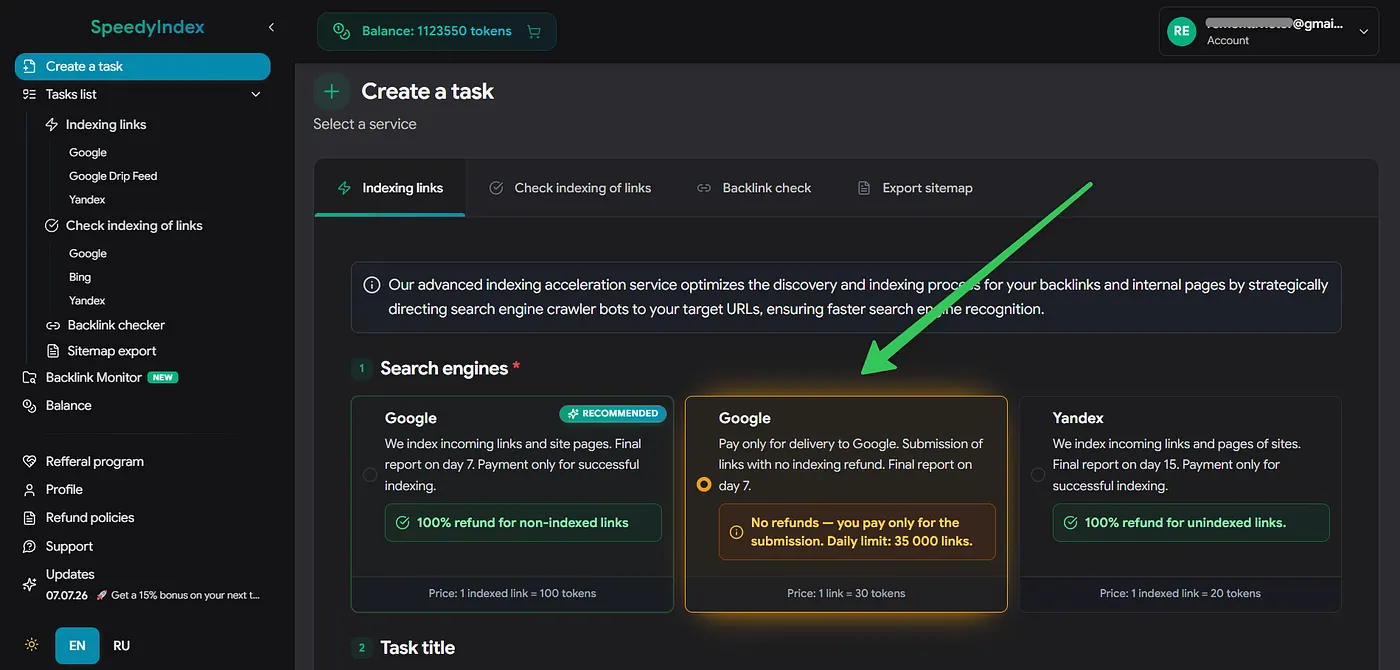
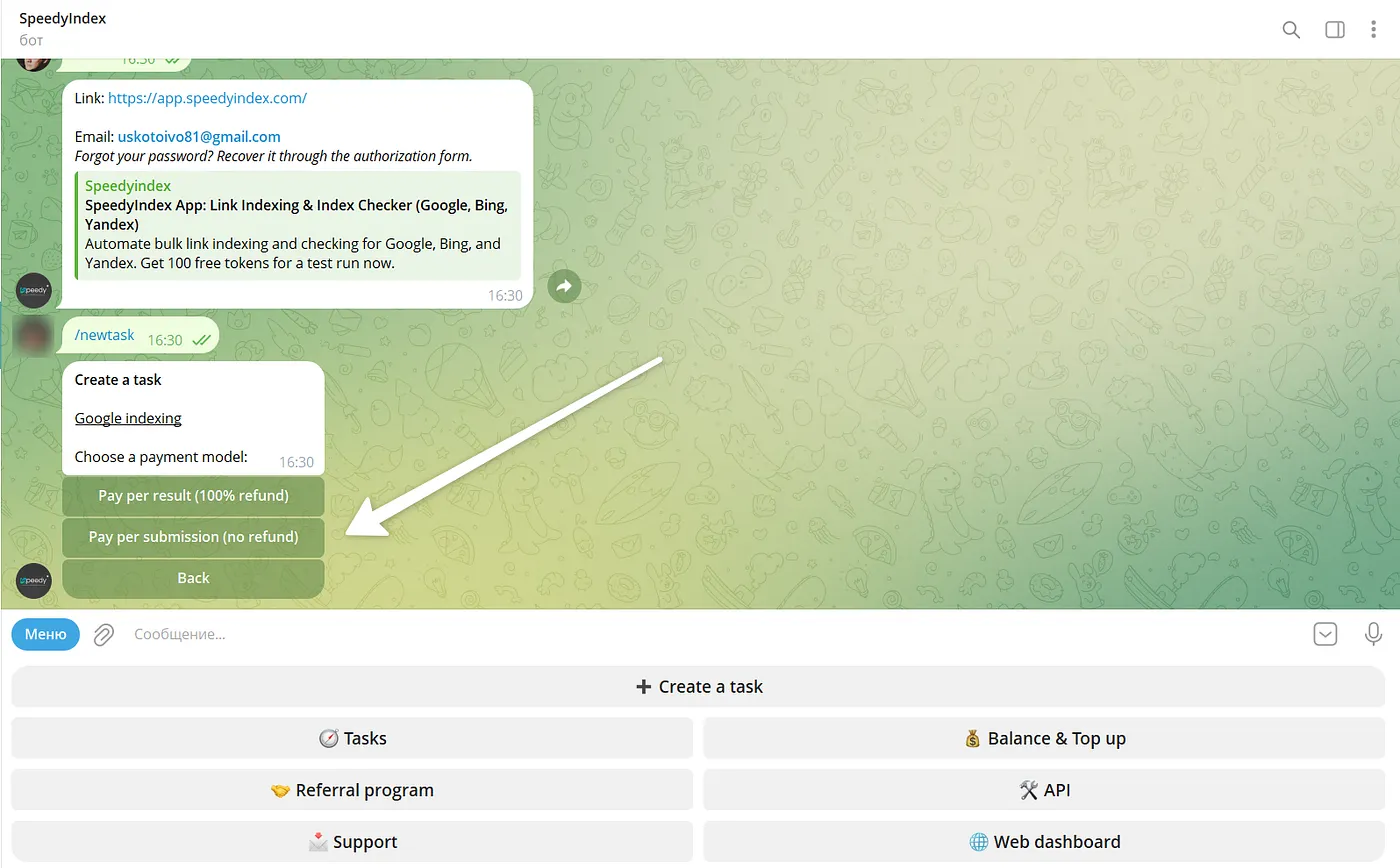
1. Pay-per-Submit Indexing (Google only)
Added a new “Pay-per-Submit” billing mode.
Cost: 30 tokens per 1 URL.
Conditions: No refunds for non-indexed links. Tokens are deducted for the submission to the bot.
Access: Unlocked automatically for users with total lifetime deposits exceeding $250.
Limits: Daily submission limit is 35,000 links.
Limits: Daily submission limit is 35,000 links.
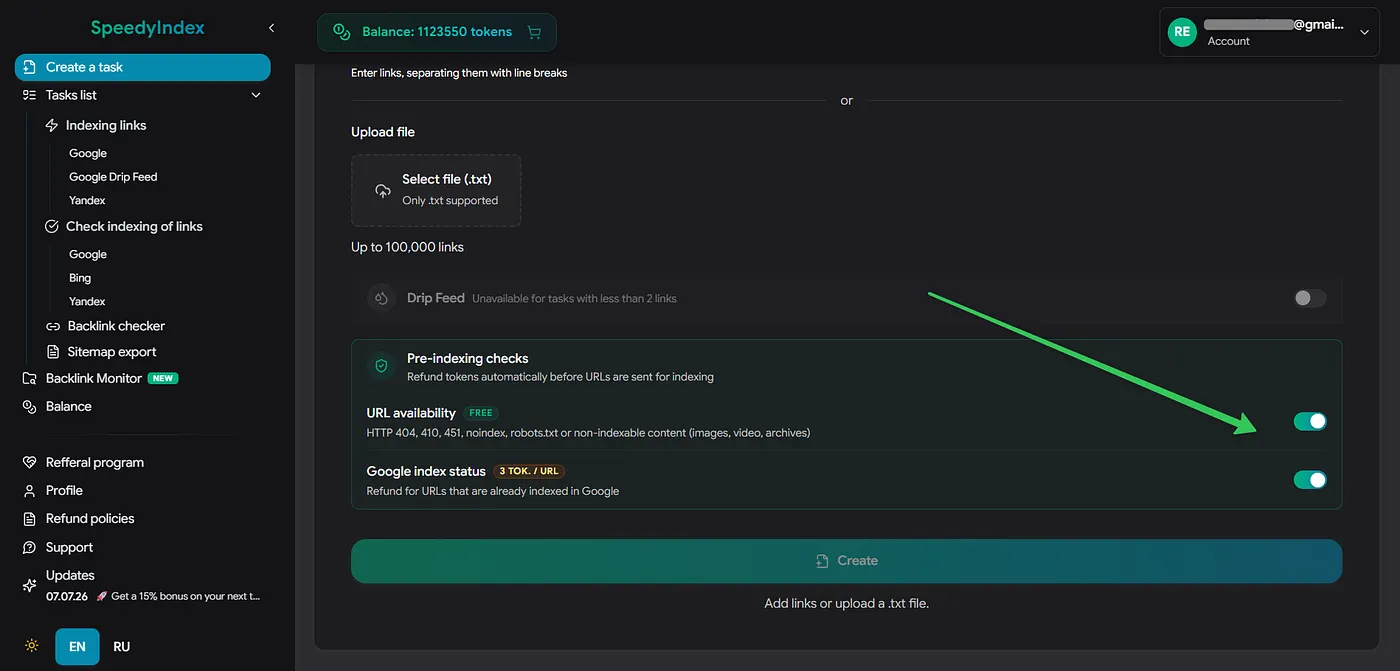
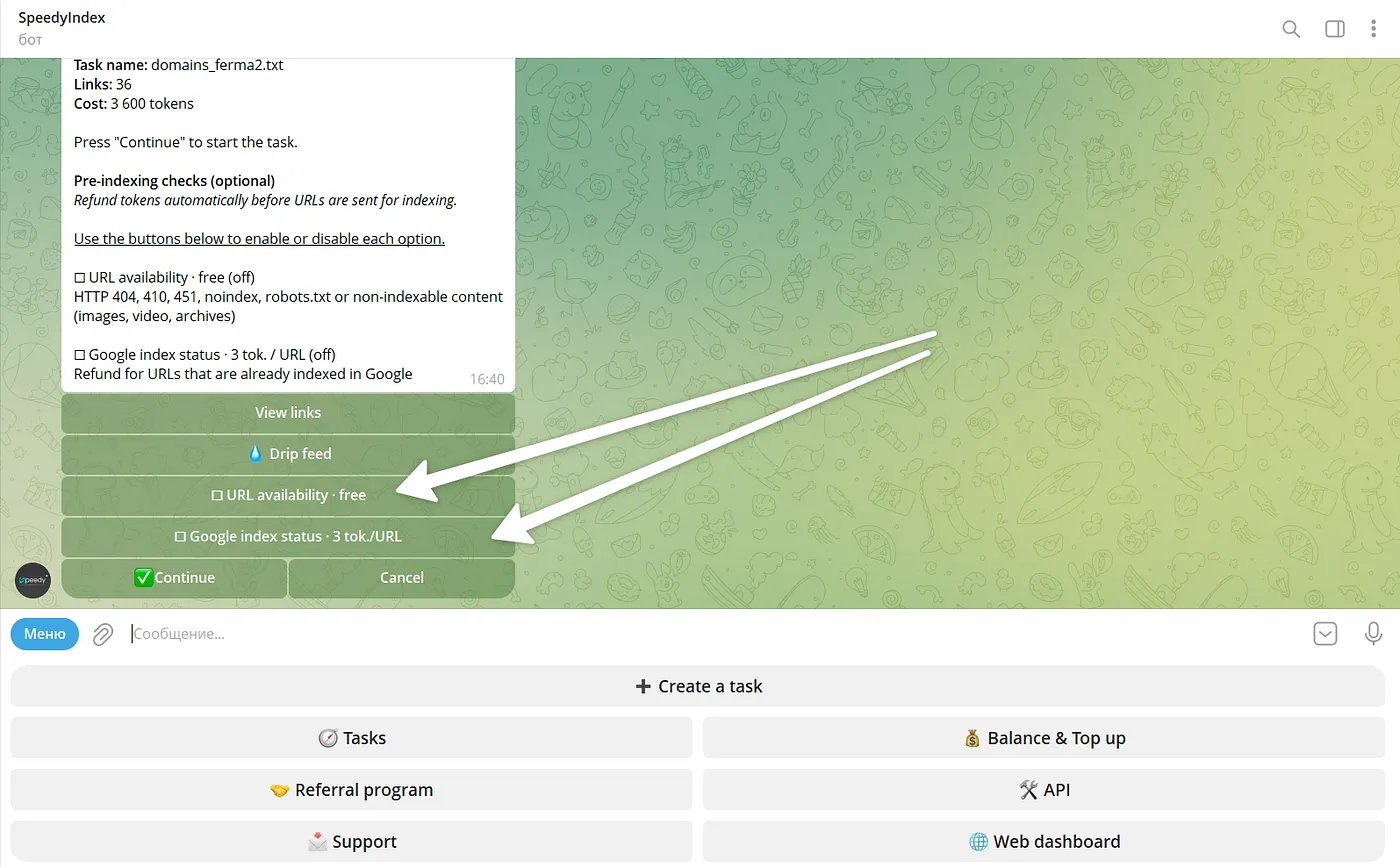
2. Pre-Indexing Link Check: Save Tokens and Time
Pre-check mode: Skips broken and already indexed links. You can now automatically filter out broken or already-indexed URLs before spending tokens on them.
👉 Read the full guide and calculation examples
3. Report Exports
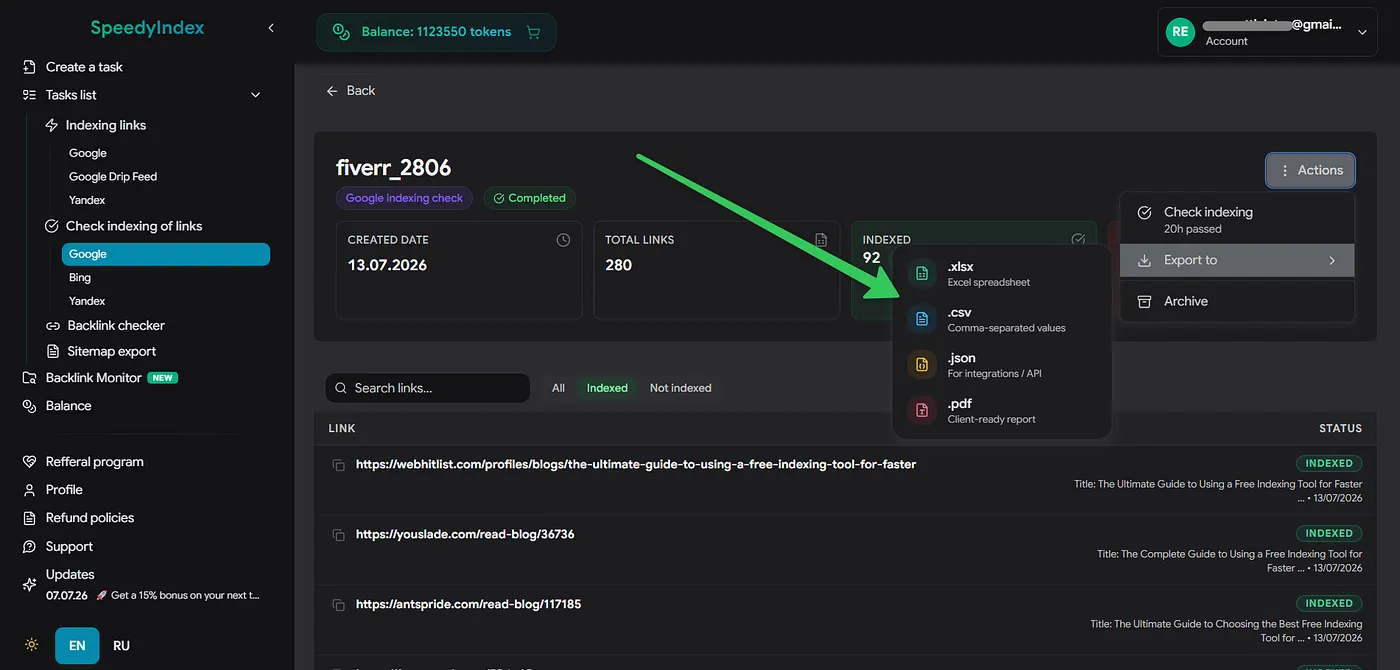
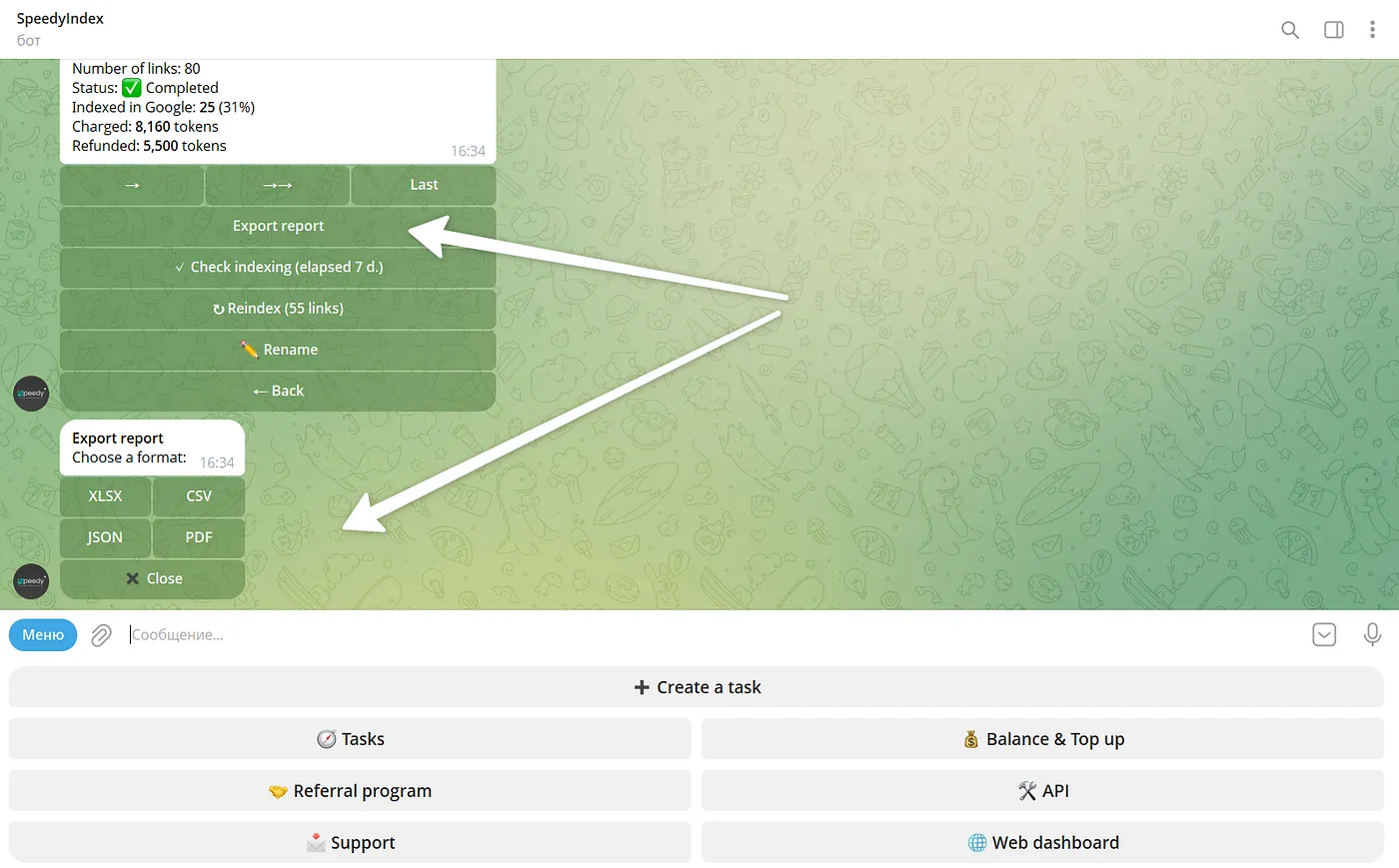
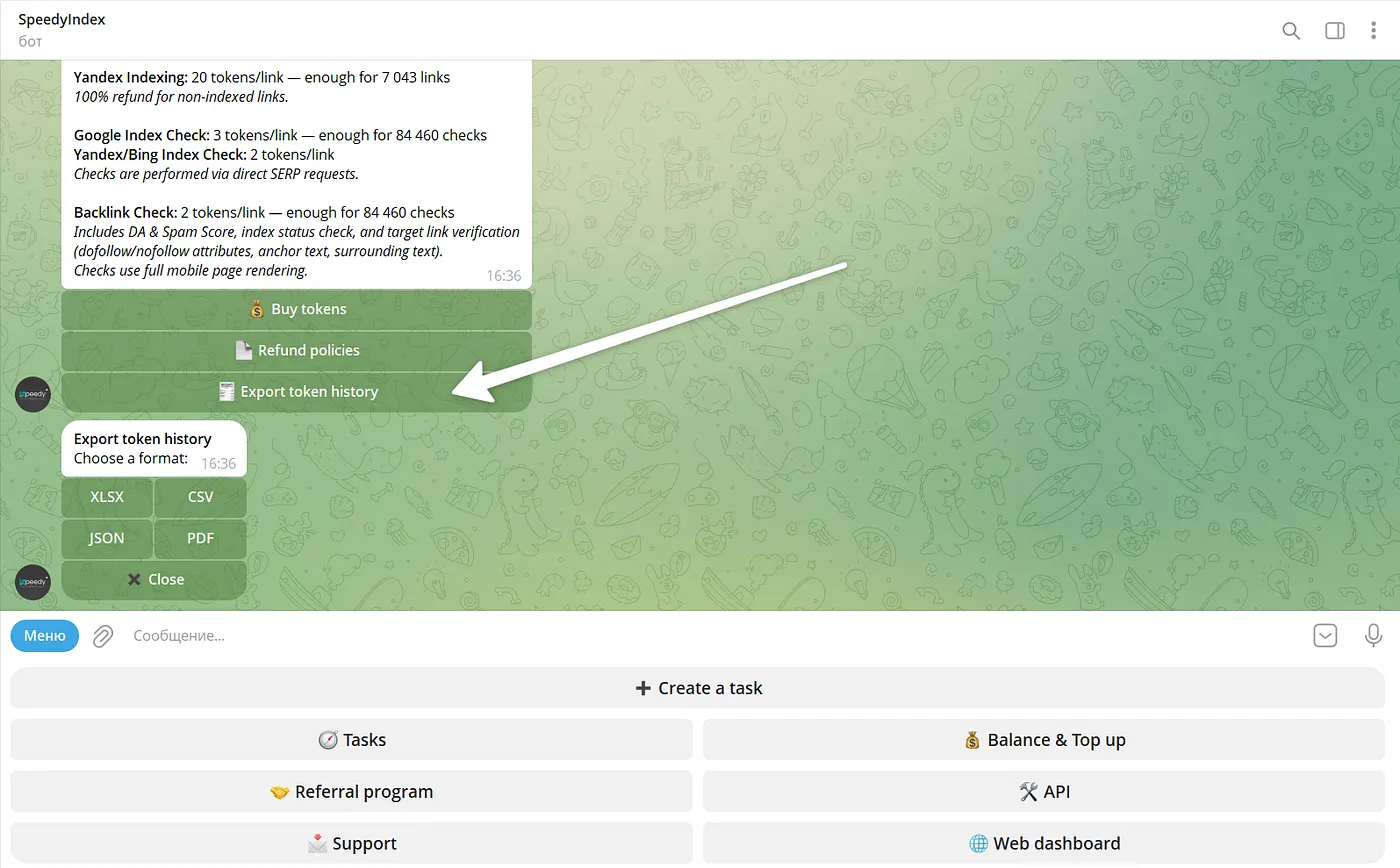
Added the ability to export indexing reports. Available download formats: .pdf, .csv, .json, and .xlsx. Exports are supported in both the web interface and the Telegram bot.
4. Token Usage History
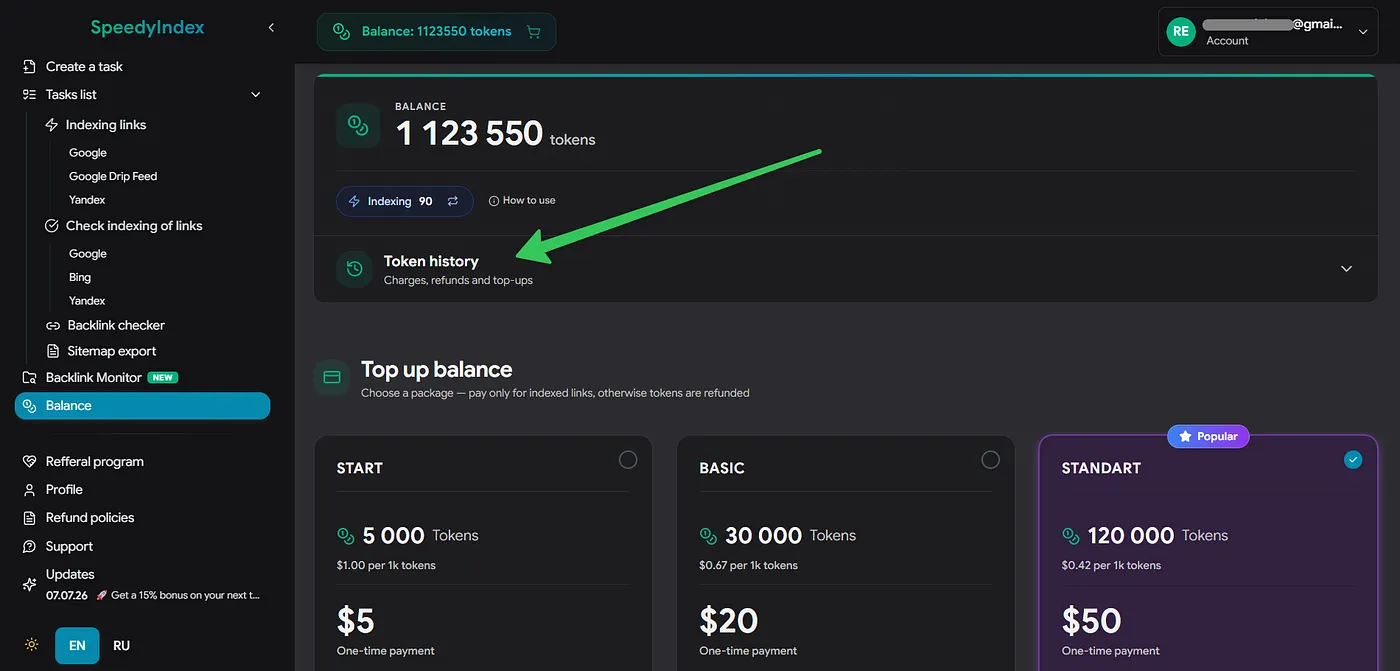
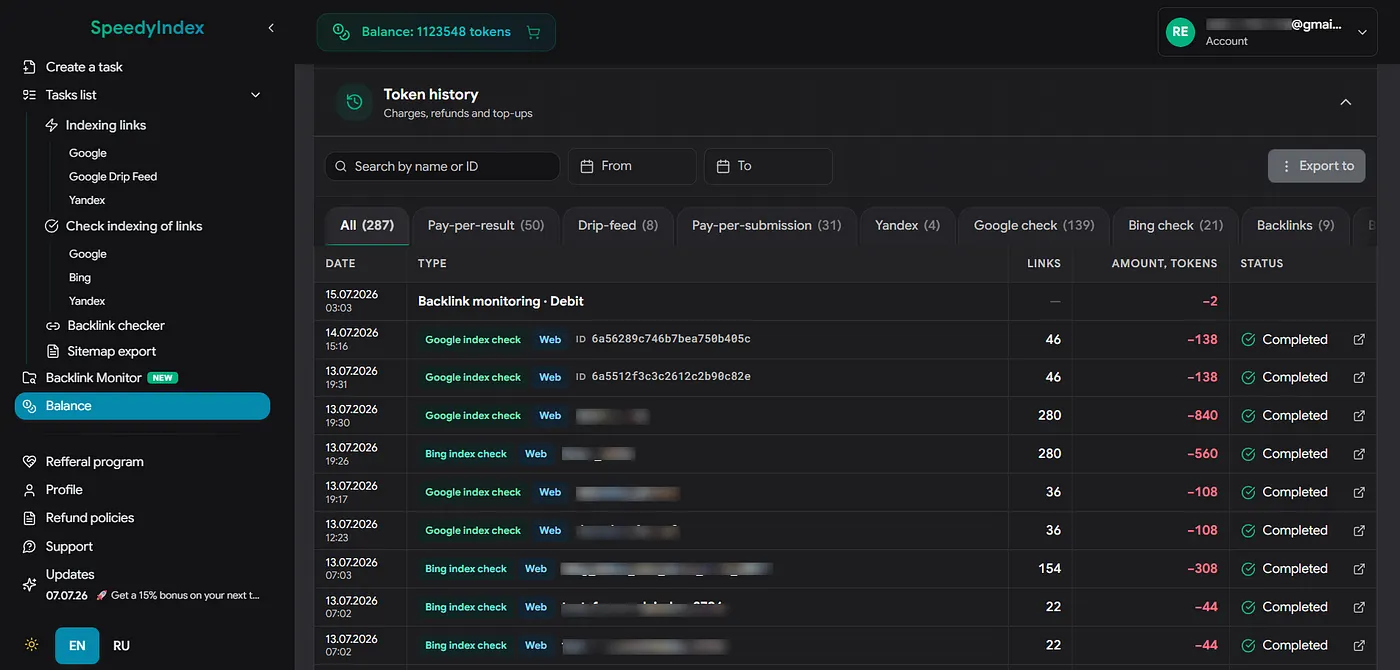
Added a “Token History” section. The logs record all account transactions: deductions for tasks, top-up credits, and automatic token refunds for non-indexed links. History can be exported as a file.
5. Ticketing System
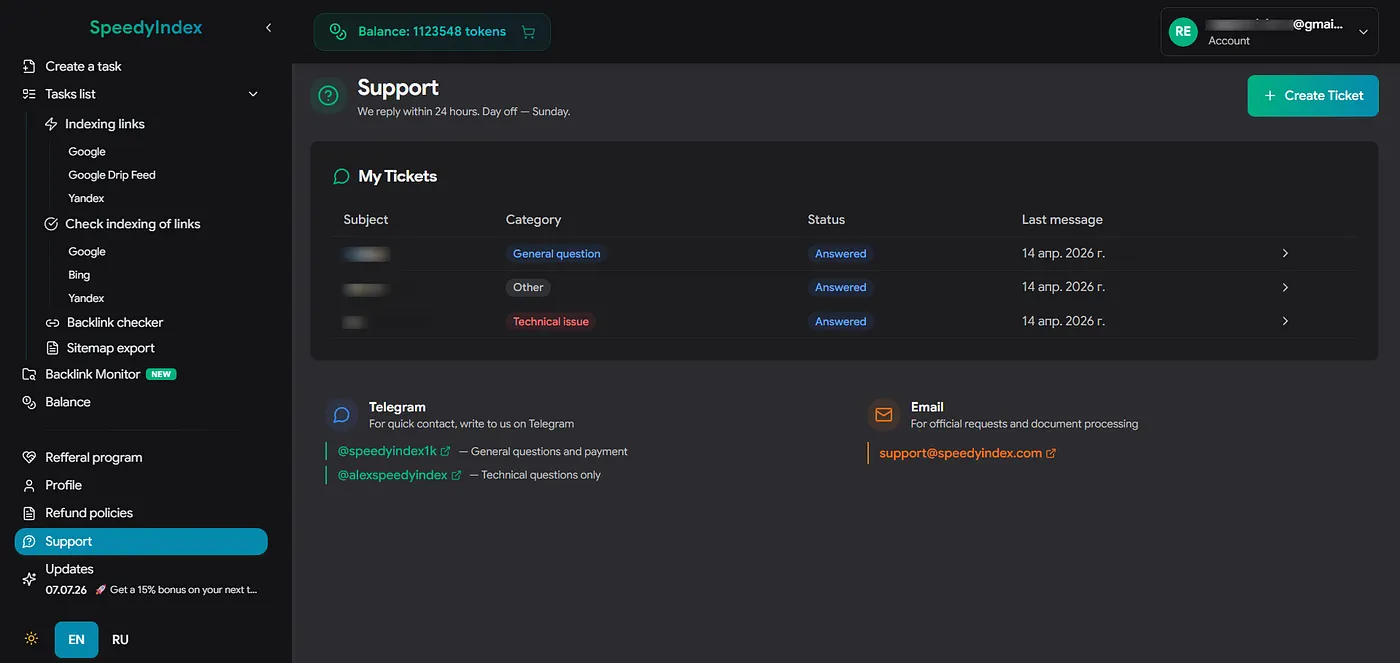
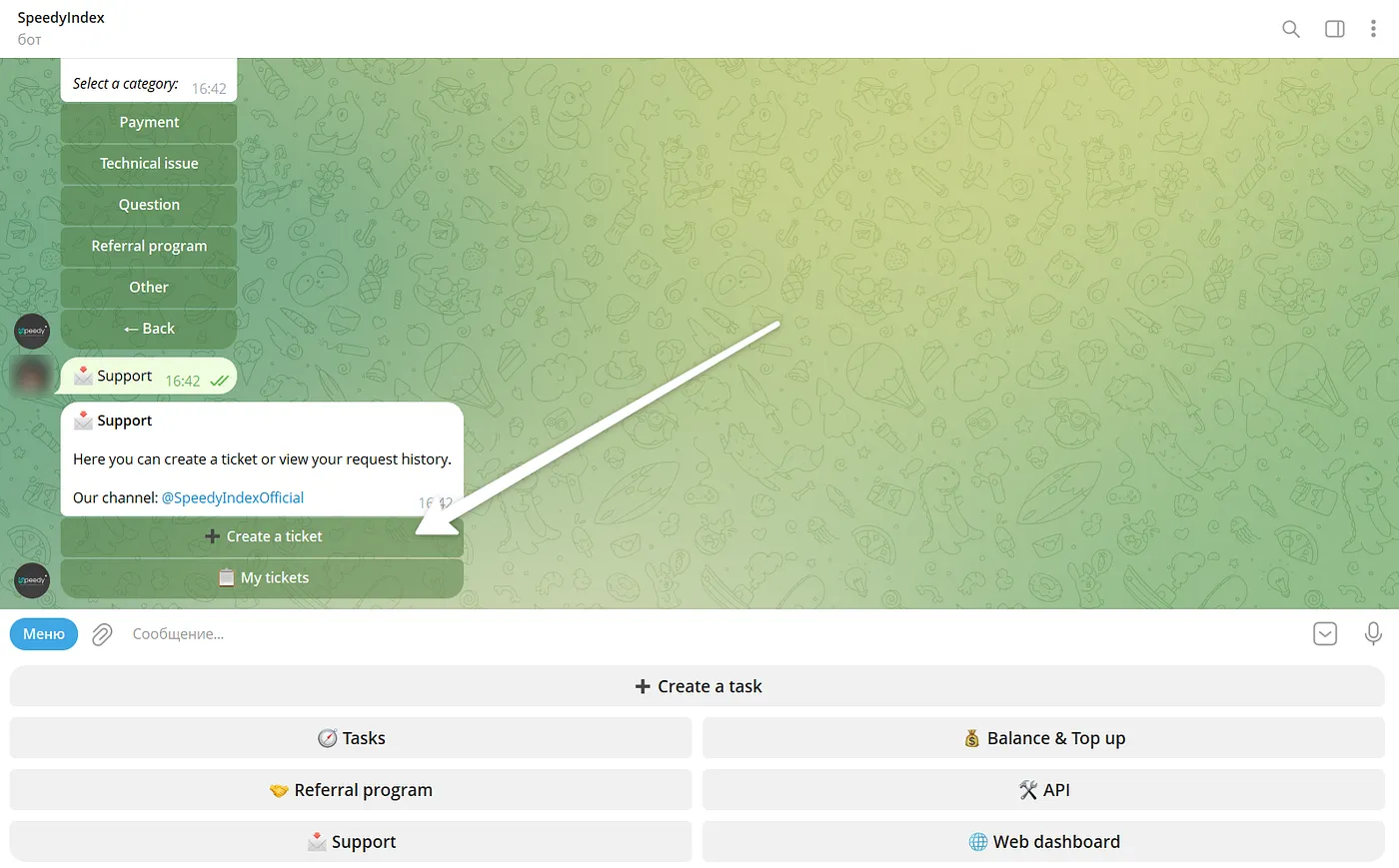
Implemented a built-in support ticketing system. Users can open tickets, attach files, and view request history. The feature is available in both the web dashboard and the bot.
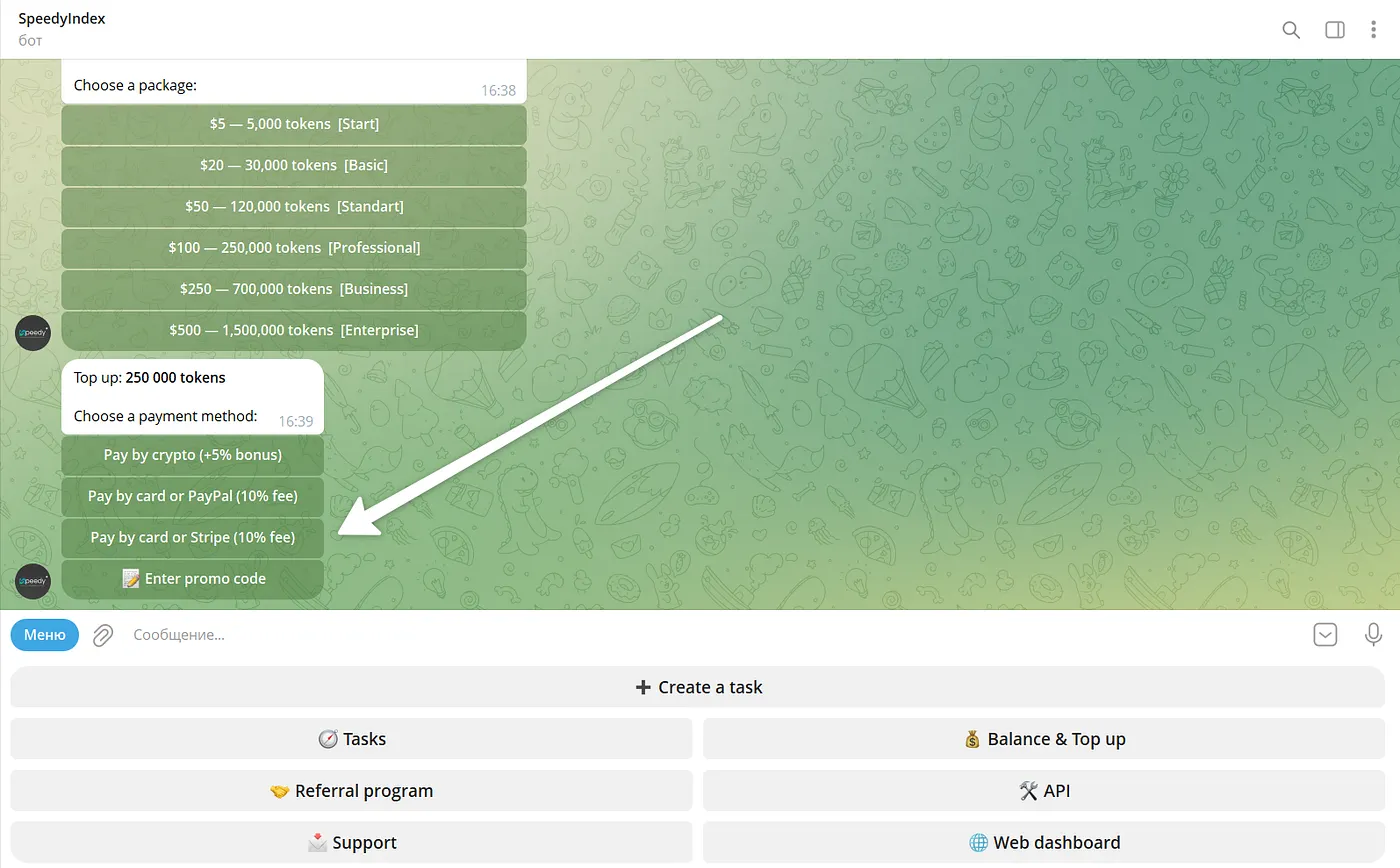
6. Stripe Payments
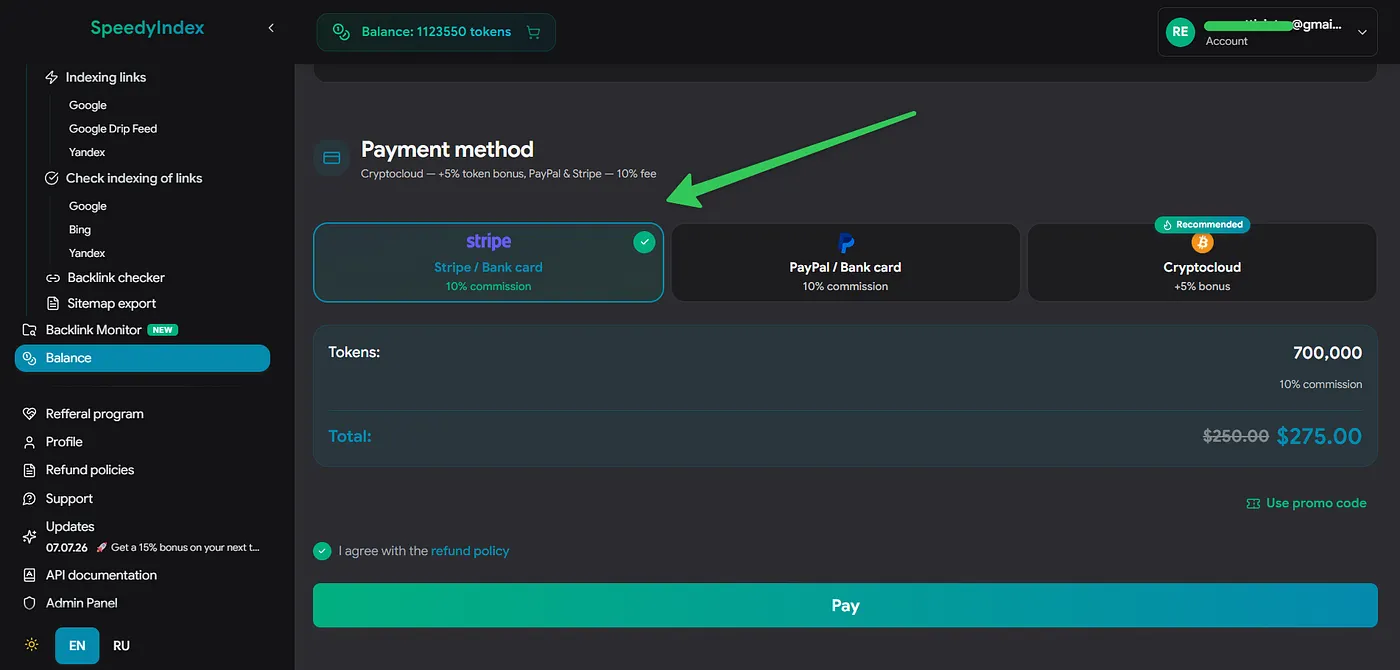
Integrated Stripe as a payment gateway. Balance top-ups via credit and debit bank cards are now supported.
Read also
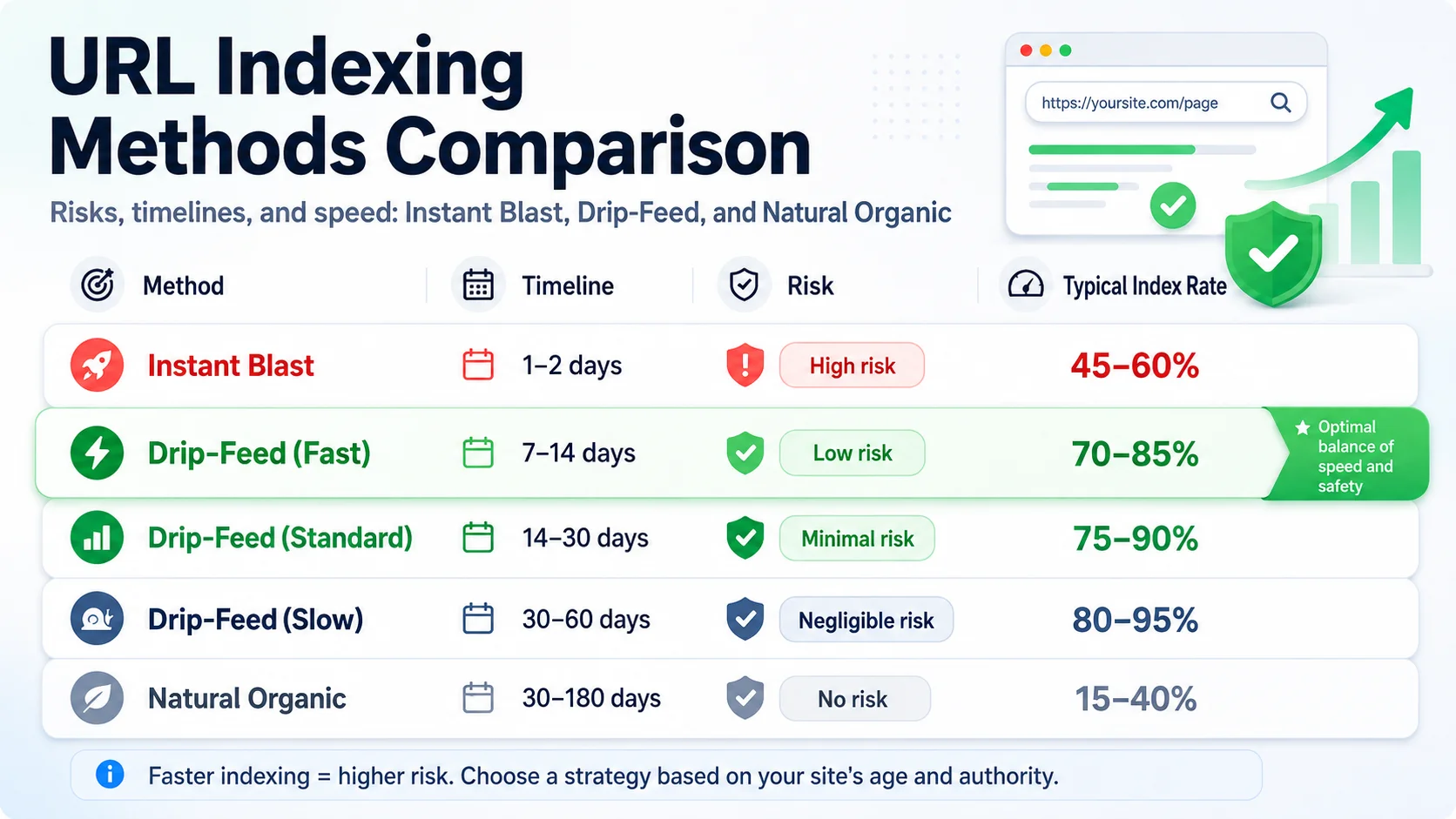
Drip-Feed: Smarter Link Indexing
Learn how to improve your backlink indexing strategy using SpeedyIndex. Discover how drip-feeding your links mimics organic growth and protects your domain from spam detection.

Google Index Checker Update and Pricing Changes
Check out the latest SpeedyIndex Google Index Checker update: faster link verification, a rebuilt service architecture, and updated token pricing effective July 10.